 Reecho
Talk instead
of typing.
Hold a key to dictate into your Mac apps. Or open Studio to save a voice memo. Both work offline after setup.
Download for MacTry it here
Sample text
Studio
Save a voice memo.
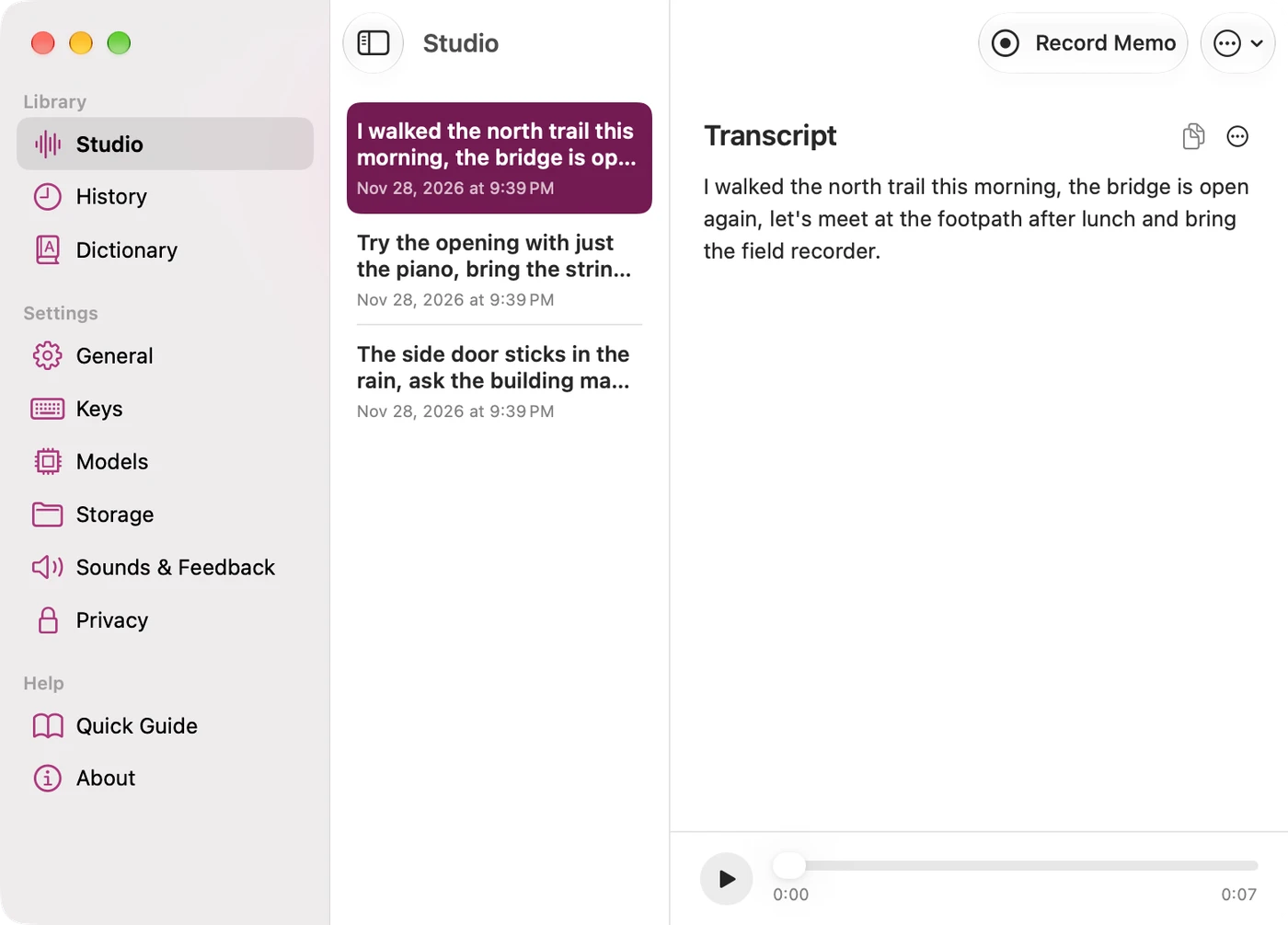
Choose Record Memo and talk. When you save, Studio keeps your audio alongside the transcript. Play back a phrase or copy the words into a draft.
Where memos live
Memos start on your Mac. In Storage, choose iCloud Drive or a folder of your own. Earlier recordings stay in their original library.
Speech models
Balanced is the default. Fast uses the same download for quick replies. For technical names and dates, try Accurate. It downloads Whisper and takes longer to transcribe.
Visual Studio Code
Leave a note in the code.
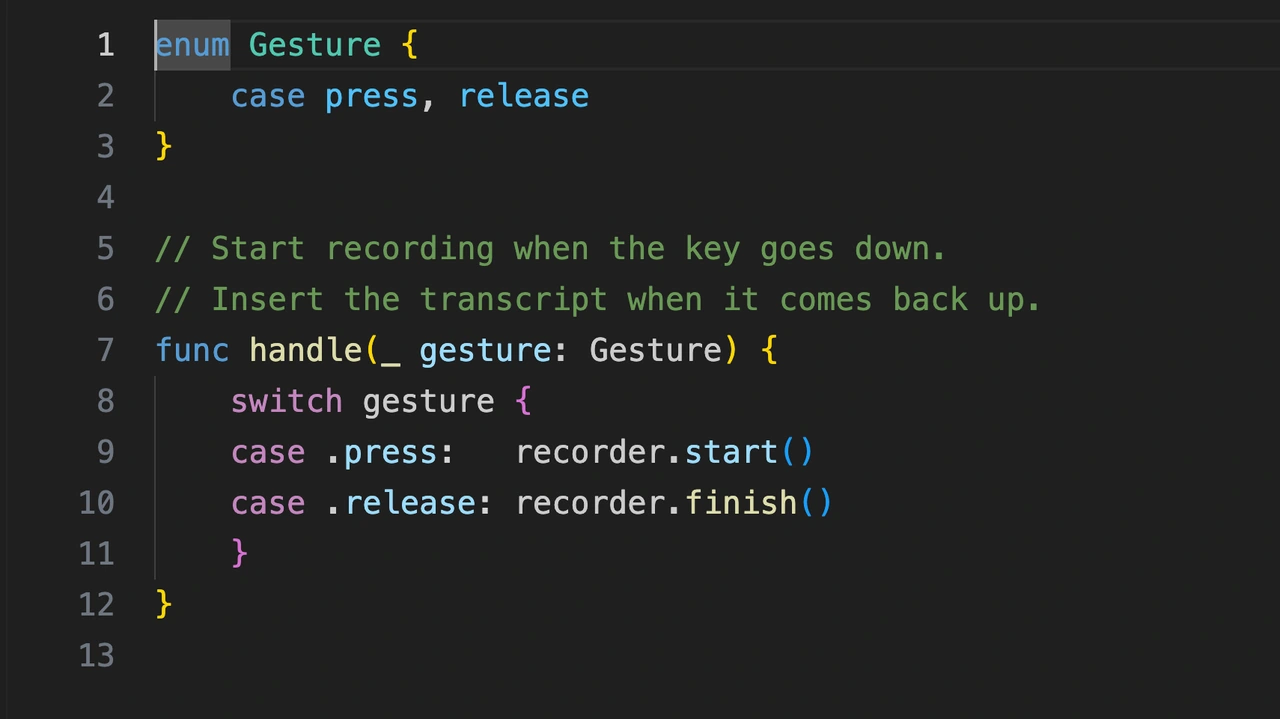
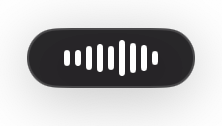
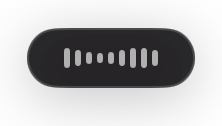
Put the cursor after the slashes and hold fn. The pill follows your voice. Release to drop the comment into the editor.
Shortcuts and custom words
- Dictate
- fn or ⌃⌥
- Paste last transcript
- ⌃⌘V
- Cancel recording
- esc
For an identifier like ReechoCore, add the spelling in Dictionary. Use Sounds Like for the way you say it.



GitHub · mockup
Tell the next reviewer what changed.
Dictate the change for your reviewer. Need the same text in an issue? Control–Command–V pastes your last transcript.
Restore focus after closing settings
Pressing Escape now puts the cursor back in the editor. You can keep typing without reaching for the mouse.
AI chat · mockup
Talk through the prompt.
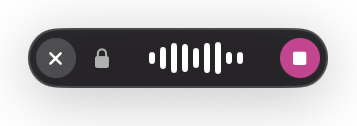
In Claude or ChatGPT, double-press fn to keep talking hands-free. The lock appears in the pill and menu bar. Press fn again to finish.

Pull the decisions out of this thread and put them in a checklist. Keep the open questions at the end.
TextEdit
Finish the thought offline.
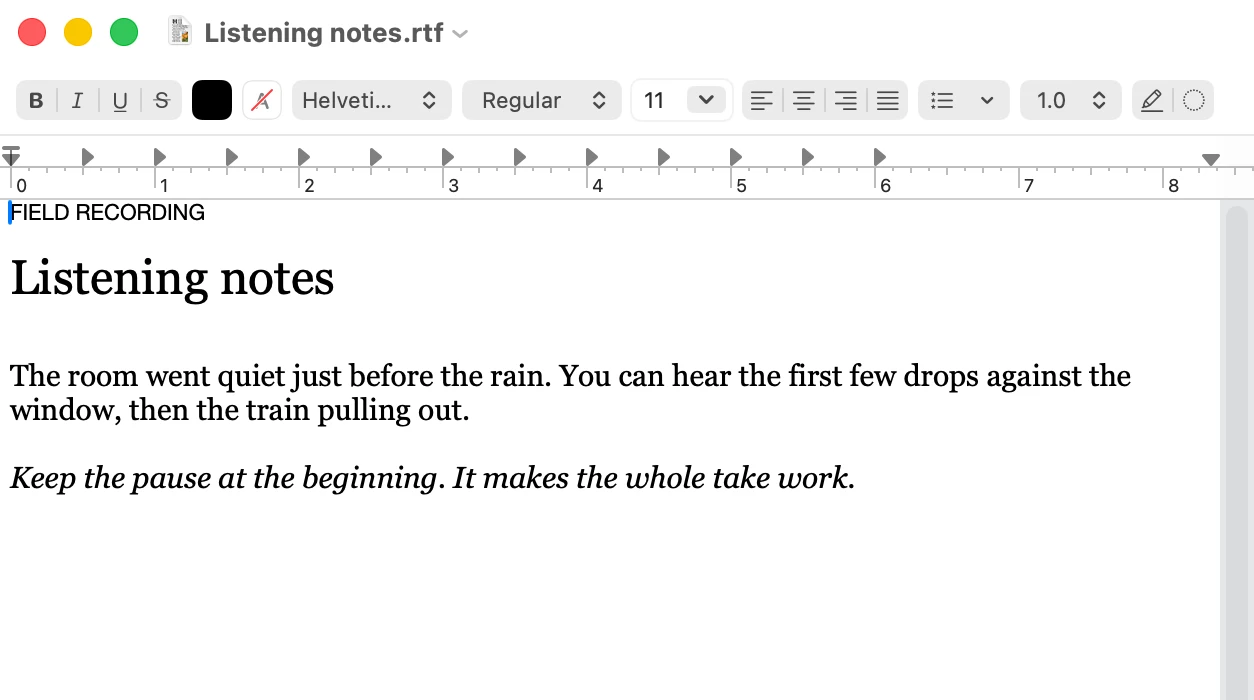
Dictate a paragraph with Wi-Fi off. Reecho discards dictation audio after transcription. If History is on, you can find the text there later.
How Reecho handles your text ↗