Use a separate microphone for a call
A Safari call could play through one output while your microphone used another. Studio recorded the other side, but your own voice could be missing from playback. In 0.4.2 Studio opens the selected microphone directly.
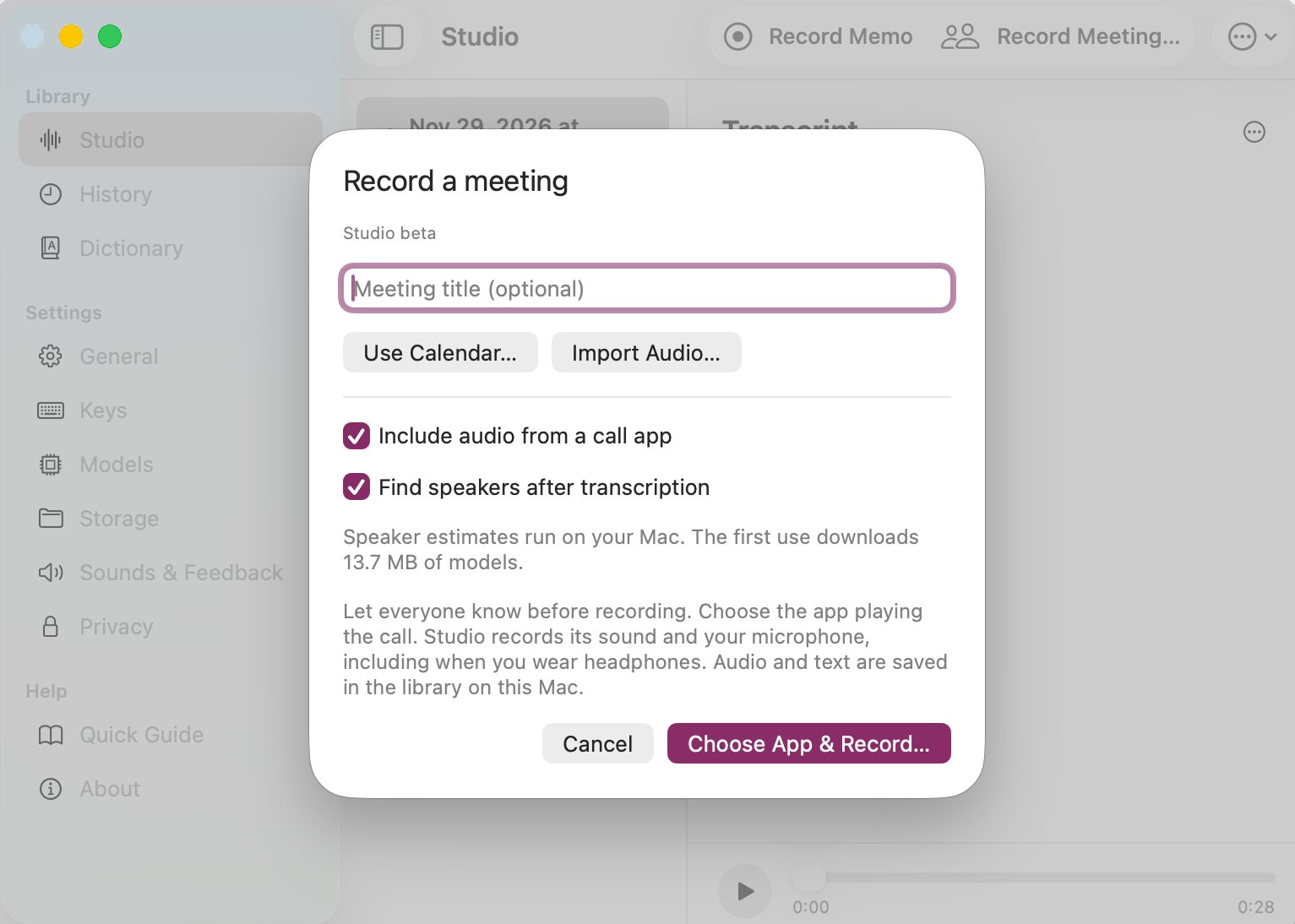
Choose your input in macOS Sound settings before recording. In Studio, turn on Include audio from a call app and choose the app where you’re taking the call. If you change microphones mid-call, Studio saves the recording. Start another to use the new input.