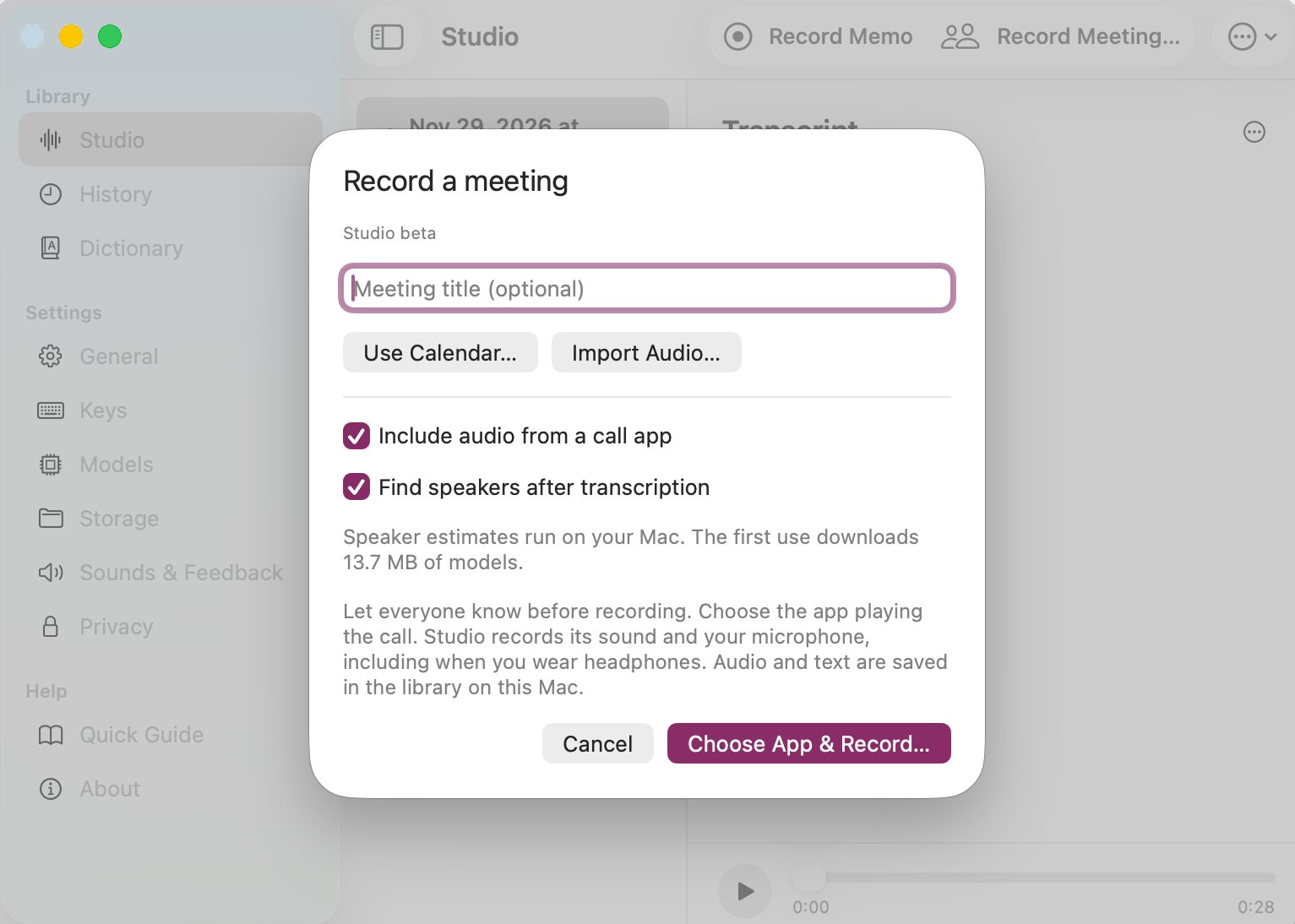
Record both sides of a headphone call
Update to Reecho 0.4.2 or later before recording. Version 0.4.1 could omit your microphone when the call played through another device.
Let everyone on the call know you’re recording. In Studio, choose Record Meeting and turn on Include audio from a call app. Select the call app in the macOS picker. If your call is in a browser, pause any other tabs playing audio.
Choose Stop & Save when you’re done. Play back either side of the conversation from the same recording. You can use this on macOS 15 or later. On macOS 14, import a saved call recording or record people in the room.
To read a transcript from Claude Desktop or a private ChatGPT Desktop plugin, open Library Options and choose Assistant Access. Each client has its own key. Revoke it there when you’re done.